-
 Language:
English
Language:
English


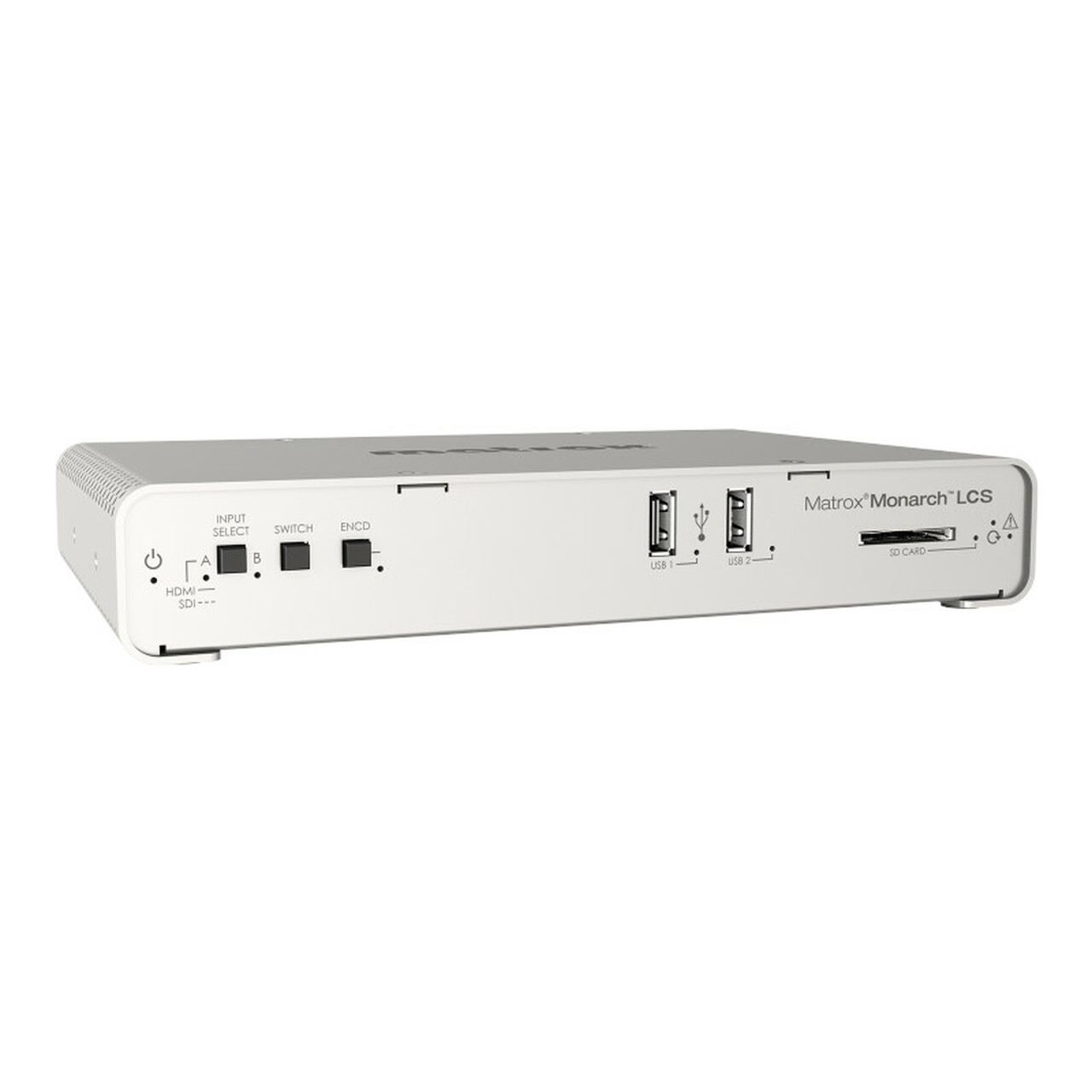
Matrox Monarch LCS Encoder Appliance
$1,834.67
Quick Comparison
| Settings | Matrox Monarch LCS Encoder Appliance remove | Matrox Maevex 6120 Dual 4K Enterprise Encoder remove | Matrox Maevex 6020 Remote Recorder remove | Blackmagic Design Smart Videohub 40x40 remove | Blackmagic Design HyperDeck Extreme 8K HDR remove | Blackmagic Design Ultimatte Smart Remote 4 remove |
|---|---|---|---|---|---|---|
| Image | |  | 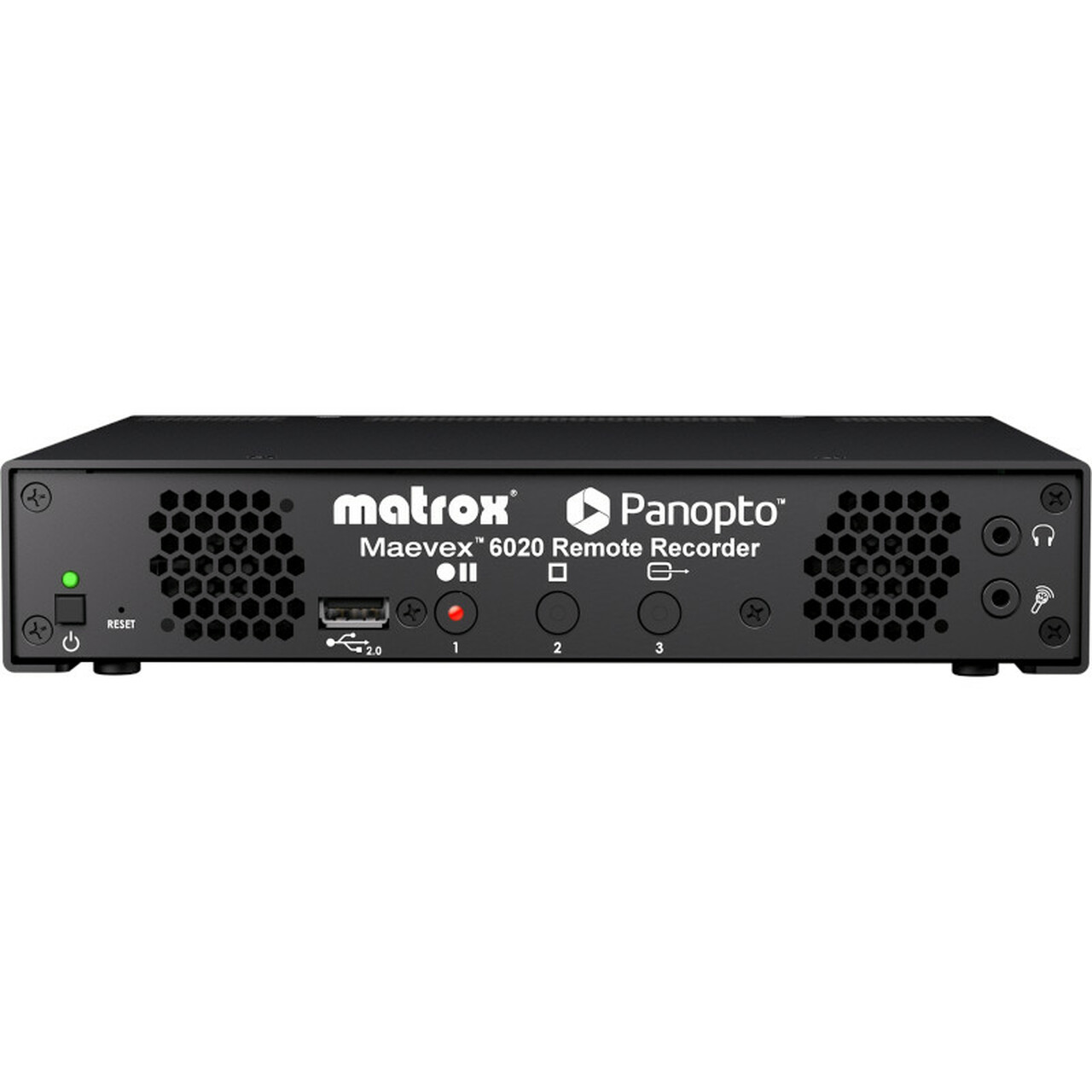 |  | 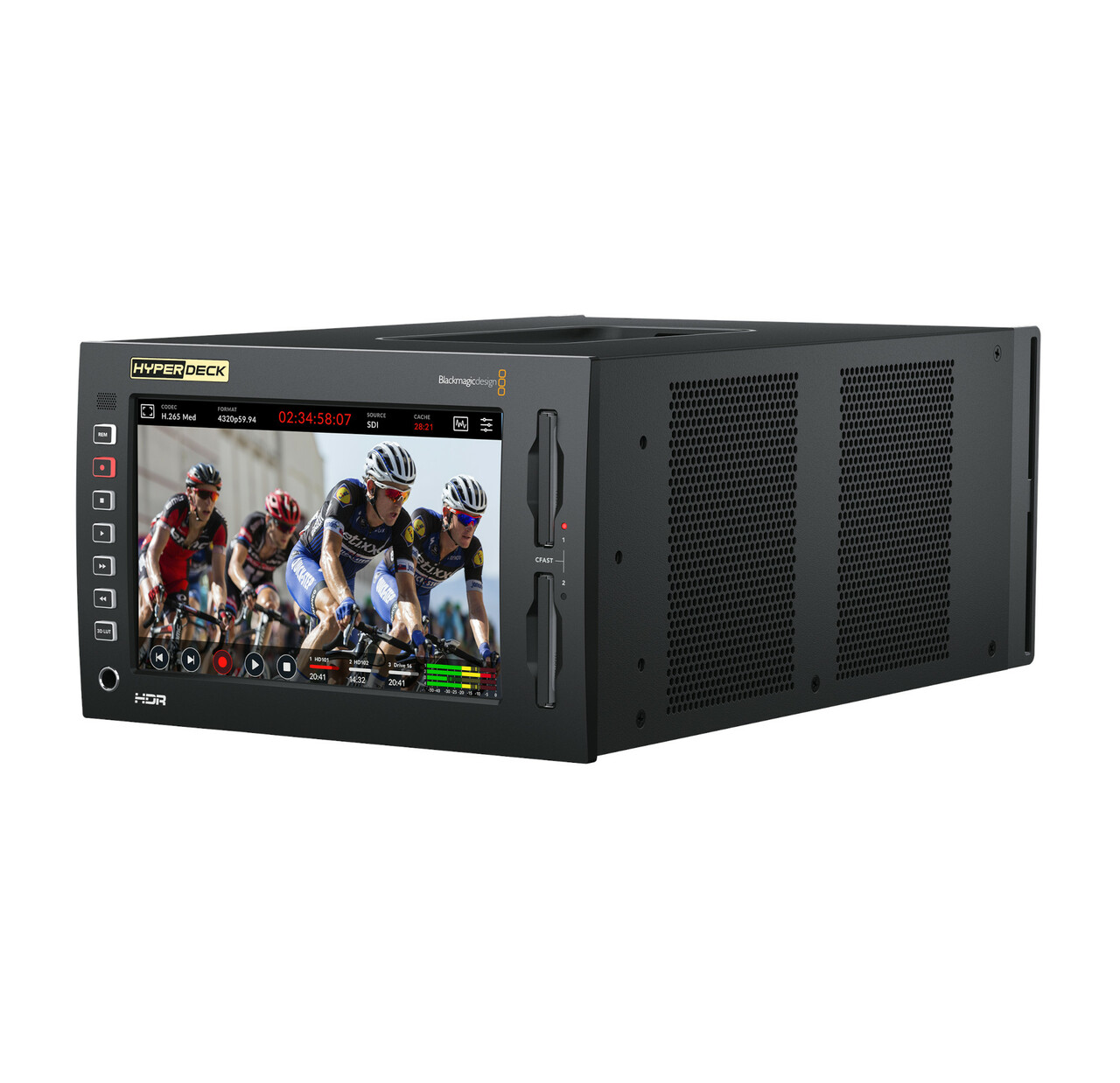 |  |
| SKU | 790750248950 | 0790750253787 | 790750253237 | 9338716002836 | 9338716006209 | 9338716004410 |
| Rating | ||||||
| Price | $1,834.67 | $2,121.00 | $1,767.50 | $2,117.47 | $3,531.47 | $2,725.49 |
| Stock | ||||||
| Availability | ||||||
| Add to cart | ||||||
| Description | ||||||
| Content | Matrox Monarch LCS Encoder Appliance | Matrox® Maevex 6122 is an HDMI® video encoder that delivers dual 4K capture, encode, stream, and record—with zero latency pass-through. The encoder supports multiple streaming protocols, including SRT and on-device HLS, for easy and secure streaming locally or across the world. Two Gigabit Ethernet ports allow for dual network streaming or separate networks for control data and video data. The complimentary Maevex SDK enables you to build new applications or integrate the functionalities of PowerStream Plus into existing applications | The Matrox® Maevex 6020 Remote Recorder appliance is a Panopto-certified live streaming multi-recorder specifically designed (for and fully integrated with) Panopto™ industry-leading video management system (VMS). Everything you love about the Panopto cloud or on-premises management of recording, streaming, scheduling, and everything else is available for the Maevex 6020 on the Panopto VMS platform making it simple and easy for administrator and in-room/class operator alike. Leveraging the award-winning Maevex 6100 Series multi-recording and streaming technology, the Maevex 6020 Remote Recorder enhances the Panopto VMS solution by providing best-of-breed live streaming and recording functionality for businesses and universities. The Maevex 6020 Remote Recorder provides unique features to the Panopto VMS. Key feature set includes two 1080p inputs with multiple on-device quality recordings per input and two channels of 1080p live streaming while recording. Unique to the Maevex 6020 are the multiple recordings of different qualities recorded simultaneously to the devices solid-state memory and uploading while the session is in progress. These on-device multiple recording qualities can later be used to address the best-possible quality match for any viewing device. The recordings are encoded and ready for use as is without any quality loss or time loss (no transcoding, decoding, or re-encoding required). This workflow enables the video on demand from the event to be made available to viewers much faster, at the best quality possible. When there are no active streams being broadcast, the two sets of recorded streams are delivered to the Panopto VMS simultaneously during the live event with only the slightest of lag from the start of the event as cloud transcoding is eliminated. If there are live streams being broadcast, the recorded streams are delivered immediately after the live streaming event ends, again with no cloud transcoding required. Additionally, in a single session, up to four sets of recordings (each set with multiple quality levels) and two Full HD streams can be enabled by combining two Maevex 6020 devices. Implementation and operation of the Maevex 6020 Remote Recorder is simple as 1-2-3. Its superior hardware recording and streaming technology is completely integrated into the Panopto cloud video platform. Simply connect power, network, and video; power up; log in to the Panopto cloud account and its done. From there, the all-in-one Panopto VMS platform provides complete control and makes video management, recording, live streaming, inside-video searching, quizzing, analytics, mobile, and other features readily accessible. The front of the appliance also includes one-touch, easy-access button controls to record, pause, resume, and stop. For Panopto first-time users and seasoned professionals alike, the Maevex 6020 Remote Recorder delivers a simple, best-in-class video capture and streaming experience for any academic or enterprise environment. | Power supply not included - requires IEC cable.
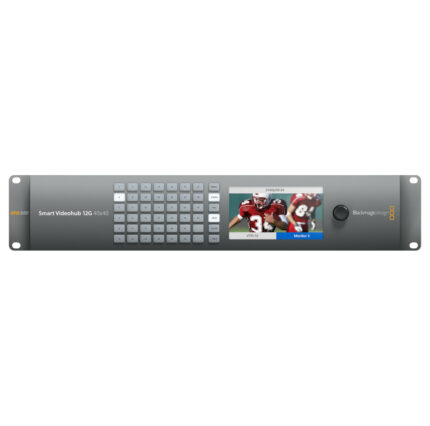
Smart Videohub 40x40 offers a revolutionary routing process. Mixed format router has built-in video monitoring and spin knob router control. The largest of the standard Smart Videohub series, it is still compact at a two rack unit size.
You get an extremely convenient routing process with visual routing. Router connections are shown as video on the LCD screen while you spin the knob to select your routing. Built-in monitor also displays crosspoint connection labels and TV formats. Visual routing makes the routing process faster than ever.
Monitor all the live video connected to the Smart Videohub 40x40 from the LCD screen. LCD supports video in nearly all TV formats, eliminating the need for a separate external monitor. Monitoring from the Videohub is helpful to confirm the correct video inputs are being sent to the correct video outputs.
6G-SDI connections work with standard frame rate Ultra HD video while keeping full compatibility with SD and HD-SDI equipment. You get the quality of SDI video connections with the flexibility to work in any television format, and 4:2:2 or 4:4:4 color sampling.
Multi format technology supports connecting compatible equipment to the router simultaneously. Seamlessly work in NTSC and PAL SD, 720, 1080HD, even 2160 Ultra HD at any frame rate and the router switches standards so inputs match.
Free software developer kit gives you the power to create your own custom router control. The included external software control lets you control the router via network on Mac and Windows. Hardware control panels are available with the Videohub Smart Control Pro and Videohub Master Control Pro (both sold separately). RS-422 protocol can also be used to control Videohub for router crosspoint switching.
Blackmagic Design Smart Videohub 40x40 Features
| HyperDeck Extreme 8K HDR has the reliable features of HyperDeck, with new features of space-saving H.265 files, optional internal cache, 3D LUTs, native 8K and HDR support. Ability to record native 8K in H.265 storage reduces storage costs and image quality stays amazing. Large touch screen ensures you can see your recording and easily control all deck settings. HyperDeck Extreme 8K HDR is an excellent solution for broadcast, live production, and digital signage.
Great for live production as a master recorder, clip player and for recording ISO cameras. Analog inputs allow recording from old video tapes, so legacy programming is compatible with the latest streaming services and can be edited. 10G Ethernet makes digital signage easy with fast media uploads, and a simple remote control protocol. Use as a field recorder with HDMI, SDI and analog inputs with built in scopes and 3D LUTs.
AC and DC power connections help make sure you can use the HyperDeck Extreme 8K HDR in studio or on location. Record to commonly available flash memory cards with dual CFast media support.
The HyperDeck Extreme 8K HDR includes two media slots, Quad 12G-SDI for 8K, analog connections for archiving, USB-C external disk recording, front panel speaker and headphone jack. Install a PCIe flash disk as a record cache to eliminate dropped frames when your media becomes full or is too slow. Record and playback in full resolution 8K is possible with the included Quad Link 12G-SDI. SDI connections are multi-rate, so you can use with other 8K products, or switch to SD, HD or Ultra HD.
Touch LCD screen provides incredible control with dedicated buttons for play, stop, record, a timeline for scrolling through recordings, image swipe to jog, and more. Heads up display on the LCD shows timecode, video standard, media status, and audio meters. Enable scopes, load and save 3D LUTs, and remote control the HyperDeck from the touch screen.
Full internal waveform monitoring ensures compliance with broadcast standards. RGB and YUV parade displays are ideal for color correction and checking for illegal levels. Histogram shows distribution of white to black detail, and highlights or shadows clipping.
Blackmagic Design HyperDeck Extreme 8K Features
| Blackmagic Design’s Ultimatte 12 goes beyond the power of even the most advanced keyers, also functioning as a high power real time compositing processor. Enjoy superb edge handling, color separation, color fidelity, spill suppression, and more. 12G-SDI technology supports work in HD and Ultra HD for real-time compositing of weather, sports, news, and entertainment in studio environments.
Control Ultimatte 12 keyers with the Ultimatte Smart Remote 4. The remote connects to the Ultimatte 12 via Ethernet. Set it on the desktop or rack mount it with other equipment. Chain up to eight Ultimatte 12 units together to control with one Smart Remote. In that setup, you get the same functions without adding a video router or hub.
Physical buttons on the Smart Remote 4 control and switch any attached Ultimatte 12 conveniently with on line and on air indicators. Dedicated buttons quickly load and save presets. Large touchscreen makes navigating menus and adjusting settings quick, and provides control over every parameter.
Create your own custom control solutions for Ultimatte 12 with the simple open text based protocol in the Smart Remote 4. Ability to Telnet into Ultimatte 12 over your network lets you develop and test custom control solutions.
Blackmagic Design Ultimatte Smart Remote 4 Features
|
| Weight | ||||||
| Dimensions | N/A | N/A | N/A | N/A | N/A | N/A |
| Additional information |
Related products


-
 Marshall 1936 2x12 Cabinet $830.00
 -
 Fender Bassbreaker 15 Combo $535.00


Reviews
There are no reviews yet.