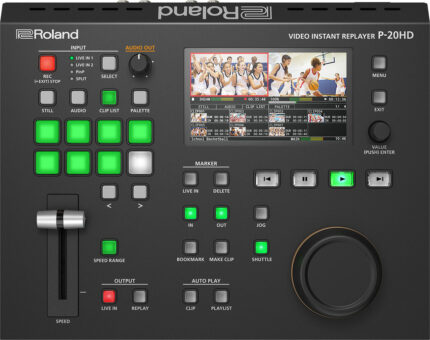
| Content | Until now, creating slow-motion instant replays in live sports productions has required an arsenal of complicated and expensive gear—and the knowledge to run it all. Roland’s P-20HD changes all that, providing an affordable and easy-to-use solution that lets you bring pro replay capabilities to any production setup. Offering seamless integration with most Roland A/V switchers and HDMI camcorders and cameras, the P-20HD transforms everyday sports video productions into edge-of-seat fan experiences.
With the P-20HD, adding the magic of instant replay to your workflow has never been more simple and affordable. Using intuitive controls and the integrated color LCD, you can easily cue up replays of important action to let fans relive the moment, either on your streaming feed or live event screens—or both at once.
The P-20HD records directly to high-capacity SD cards, which are widely available and easy to swap out. And as you cue up and replay clips, the game keeps recording in the background, with no gaps in the action. The P-20HD can be seamlessly inserted into a variety of workflows. Use it on its own, or upstream or downstream of any Roland video switcher. Connect two cameras and switch/composite between sources to capture them for replay. Both HDMI inputs feature built-in scalers, providing worry-free connectivity with nearly any video source.
Roland P-20HD Features
- Slow-motion instant replay and variable speed playback
- Intuitive controls for single-operator sports production
- Simultaneous recording and playback
- Clip playlist builder for creating highlight reels
- Integrated color LCD for preview monitoring
- Capture long events to low cost and widely available SD cards
- Compact, portable, and reliable hardware design
- Ideal for school sports, esports, and sports training
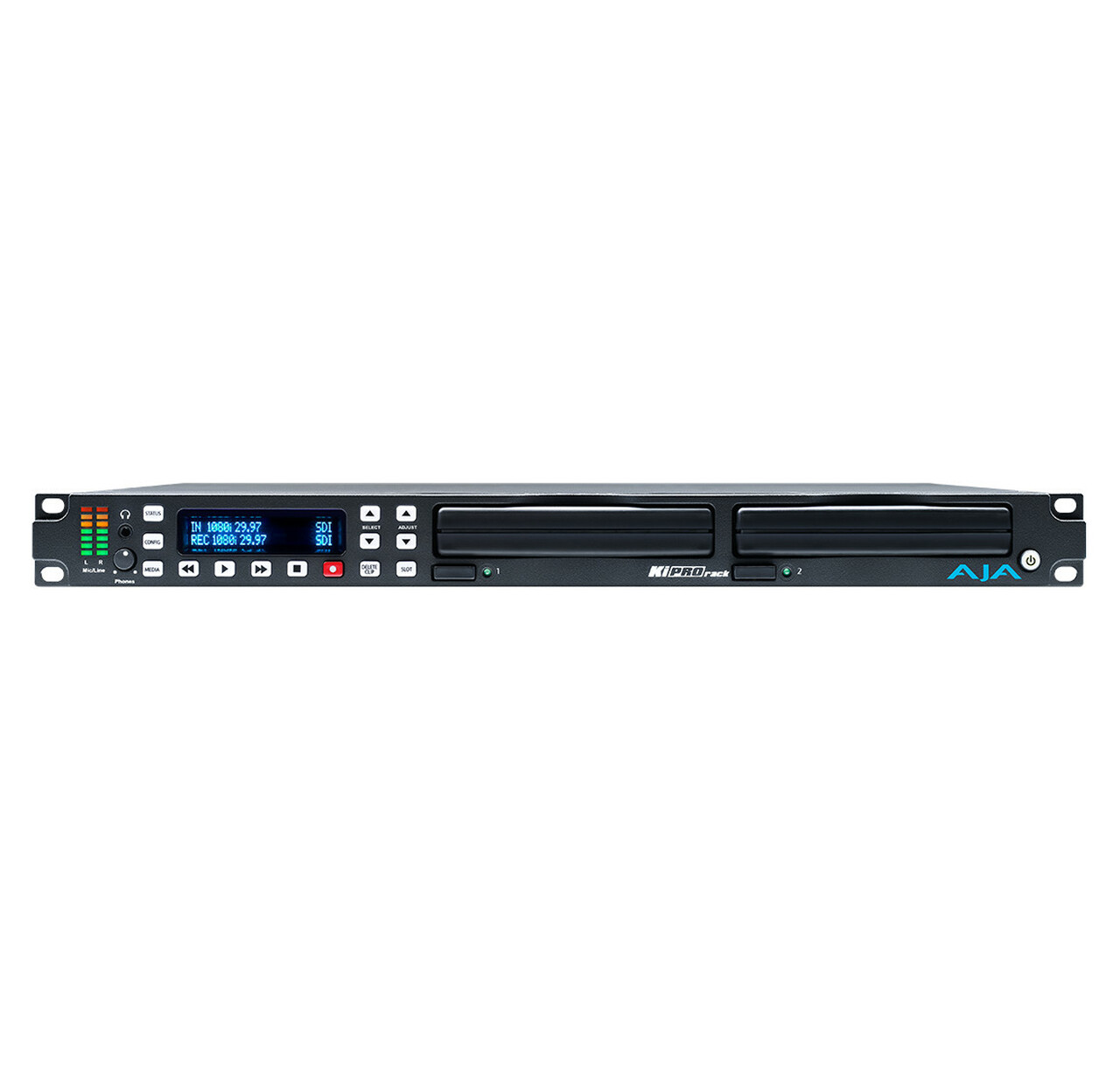
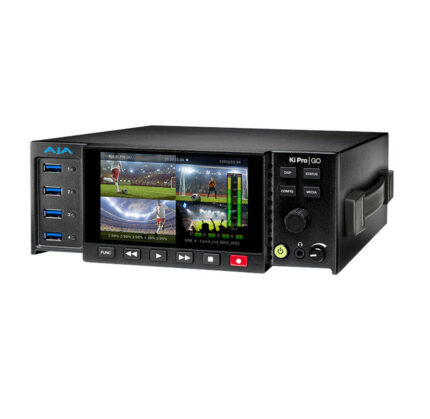
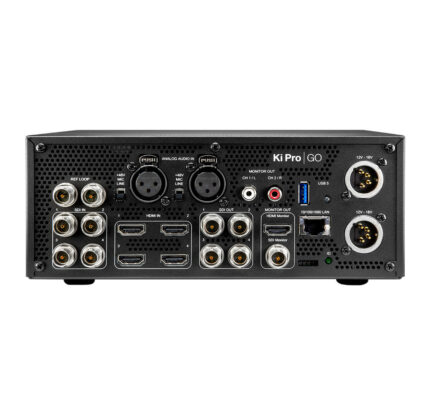
| The power of Ki Pro in a 1RU format, the perfect fit for your file based workflow.
With a wealth of professional connections including SDI and HDMI, Ki Pro Rack will fit right into your existing cabling and routing system. Ki Pro Rack also features AJA’s industry leading conversion technology, enabling you to perform broadcast quality up, down, cross-conversion during recording or playback without the need for additional conversion hardware.
AJA Ki Pro Rack Features
- HD/SD recorder and player
- Record and playback Apple ProRes or Avid DNxHD files
- SDI, HDMI, and Component Video I/O
- AES (BNC) and analog (XLR) audio I/O
- 2x KiStor media bays with Ki Protect
- Balanced XLR analog audio inputs, mic/line/48v switchable
- Multi-channel embedded SDI and HDMI audio
- Up, down, cross-conversion built-in
- REF, LTC, RP-188 and RS-422 support
- REST interface
- Front panel button controls
- Easy to use web UI, configure and control from standard web browsers
- Compact 1RU design
- 3 year warranty
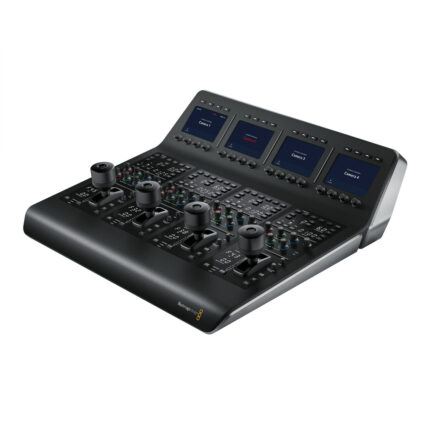
| Use the Blackmagic Design ATEM production switcher series to create stunning multi camera live production. ATEM switches between SD, HD, or Ultra HD video standards so your live production can use cameras, disk records, slide shows from computers, and more video sources. Features include chroma key, creative transitions, media pool, downstream keyers, audio mixer, multi view, and more. ATEM live production switchers support live production needs at live concerts, sporting events, theater productions, conferences, and more. The ATEM advanced panel is added to an ATEM switcher as a control panel.
Although each switcher includes ATEM software control panel for Mac or Windows, an ATEM Advanced Panel is faster to use, making it ideal for demanding live production environments. Setup more complex effects with the enormous amount of control you’ll have in the ATEM 2 M/E. The ATEM 2 M/E Advanced Panel features broadcast buttons, knobs, and a t-bar fader.
The ATEM 2 M/E has two M/E rows with 20 input buttons and two independent system control LCDs for reach row. Each row has an independent select bus, and can control up to four M/Es in larger switchers. Input buttons have customizable colors and button label LCDs.
Modern design with the latest broadcast technology combine to enable faster workflows. Built in LCD control screen identifies work processes. Buttons are curved and have color backlighting to reduce incorrect key presses and quickly identify the keys you need. Professional joystick controls DVE and camera adjustments, smooth weighted t-bar fader, and more.
Durable and compact, the ATEM 2 M/E fits in a standard equipment rack. It can be used seamlessly for shelf mounting in broadcast trucks, mobile racks, and fly away kits.
Blackmagic Design ATEM 2 M/E Features
- Add to an ATEM switcher for accessible control panel functions
- Faster workflow
- Two independent rows of control, each with 20 input buttons
- Backlit buttons make identification easy and lower incorrect key presses
- Joystick for DVE and camera adjustments
- Smooth weighted t-bar fader
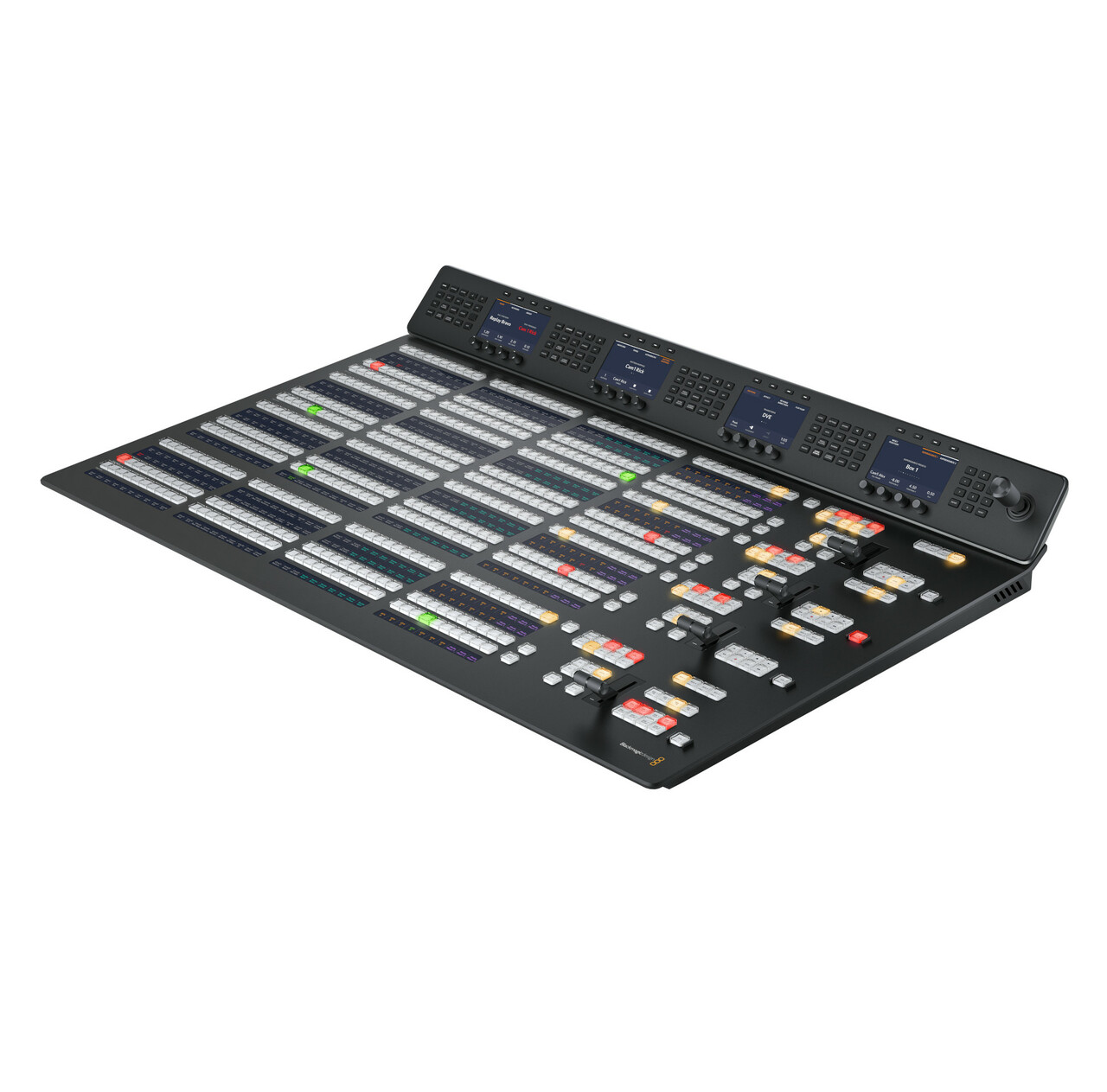
| Use the Blackmagic Design ATEM production switcher series to create stunning multi camera live production. ATEM switches between SD, HD, or Ultra HD video standards so your live production can use cameras, disk records, slide shows from computers, and more video sources. Features include chroma key, creative transitions, media pool, downstream keyers, audio mixer, multi view, and more. ATEM live production switchers support live production needs at live concerts, sporting events, theater productions, conferences, and more. The ATEM advanced panel is added to an ATEM switcher as a control panel.
Although each switcher includes ATEM software control panel for Mac or Windows, an ATEM Advanced Panel is faster to use, making it ideal for demanding live production environments. Setup more complex effects with the enormous amount of control you’ll have in the ATEM 4 M/E. The ATEM 4 M/E Advanced Panel features broadcast buttons, knobs, and a t-bar fader.
The ATEM 4 M/E has four M/E rows with 40 input buttons and four independent system control LCDs for reach row. All input buttons have customizable colors and button label LCDs.
Modern design with the latest broadcast technology combine to enable faster workflows. Built in LCD control screen identifies work processes. Buttons are curved and have color backlighting to reduce incorrect key presses and quickly identify the keys you need. Professional joystick controls DVE and camera adjustments, smooth weighted t-bar fader, and more.
Durable and compact, the ATEM 4 M/E fits in a standard equipment rack. It can be used seamlessly for shelf mounting in broadcast trucks, mobile racks, and fly away kits.
Blackmagic Design ATEM 4 M/E Features
- Add to an ATEM switcher for accessible control panel functions
- Faster workflow
- Four independent rows of control, each with 40 input buttons
- Backlit buttons make identification easy and lower incorrect key presses
- Joystick for DVE and camera adjustments
- Smooth weighted t-bar fader
| Blackmagic Design’s Ultimatte 12 goes beyond the power of even the most advanced keyers, also functioning as a high power real time compositing processor. Enjoy superb edge handling, color separation, color fidelity, spill suppression, and more. 12G-SDI technology supports work in HD and Ultra HD for real-time compositing of weather, sports, news, and entertainment in studio environments.
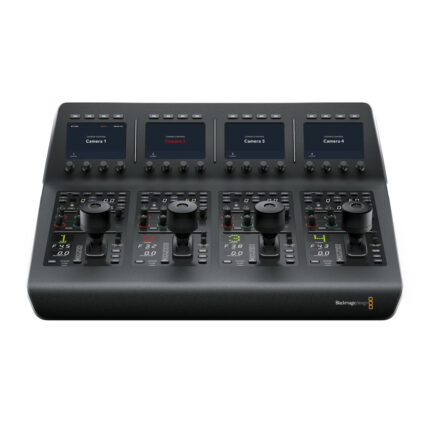
Control Ultimatte 12 keyers with the Ultimatte Smart Remote 4. The remote connects to the Ultimatte 12 via Ethernet. Set it on the desktop or rack mount it with other equipment. Chain up to eight Ultimatte 12 units together to control with one Smart Remote. In that setup, you get the same functions without adding a video router or hub.
Physical buttons on the Smart Remote 4 control and switch any attached Ultimatte 12 conveniently with on line and on air indicators. Dedicated buttons quickly load and save presets. Large touchscreen makes navigating menus and adjusting settings quick, and provides control over every parameter.
Create your own custom control solutions for Ultimatte 12 with the simple open text based protocol in the Smart Remote 4. Ability to Telnet into Ultimatte 12 over your network lets you develop and test custom control solutions.
Blackmagic Design Ultimatte Smart Remote 4 Features
- Control up to 8 Ultimatte 12s
- Connects via Ethernet
- 8 rotary knobs for adjusting parameters
- 10" touchscreen
- Open text based protocol
- Telnet into Ultimatte 12 over your network
| Power supply not included - requires IEC cable.
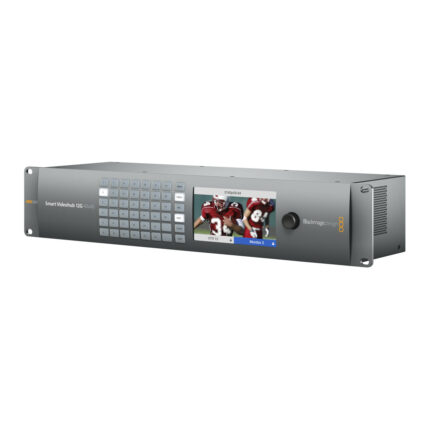
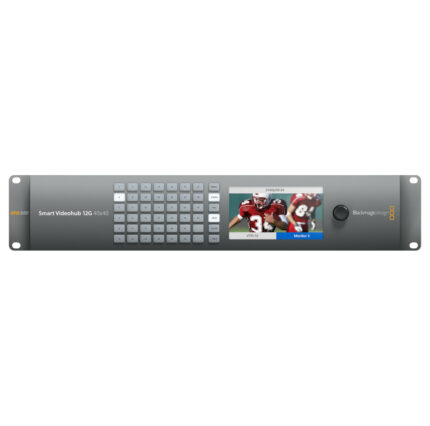
The Smart Videohub 12G 40x40 is the most advanced router of the Videohub series. It works in all SD, HD, and Ultra HD formats up to 2160p60. Offering a revolutionary routing process, the mixed format router has built-in video monitoring and spin knob router control.
You get an extremely convenient routing process with visual routing. Router connections are shown as video on the LCD screen while you spin the knob to select your routing. Built-in monitor also displays crosspoint connection labels and TV formats. Visual routing makes the routing process faster than ever.
Monitor all the live video connected to the Smart Videohub 12G 40x40 from the LCD screen. LCD supports video in nearly all TV formats, eliminating the need for a separate external monitor. Monitoring from the Videohub is helpful to confirm the correct video inputs are being sent to the correct video outputs.
12G-SDI connections run at twice the speed of 6G-SDI, supporting equipment that works with high frame rate Ultra HD 2160p60. At that high frame rate you can use the same 60 fps workflow from HD while getting the higher quality of Ultra HD. 12G-SDI also handles SD, HD, and Ultra HD formats easily. 6G-SDI is still supported, so you get the benefits of both technologies.
Multi format technology supports connecting compatible equipment to the router simultaneously. Seamlessly work in NTSC and PAL SD, 720, 1080HD, even 2160 Ultra HD at any frame rate and the router switches standards so inputs match.
Free software developer kit gives you the power to create your own custom router control. The included external software control lets you control the router via network on Mac and Windows. Hardware control panels are available with the Videohub Smart Control Pro and Videohub Master Control Pro (both sold separately). RS-422 protocol can also be used to control Videohub for router crosspoint switching.
Videohub 12G 40x40 Features
- 12G-SDI technology
- 40 inputs
- 40 outputs
- Spin knob control
- Work with SD, HD and Ultra HD formats simultaneously
- Visual routing
- Built-in LCD
- Includes external software control
|







Reviews
There are no reviews yet.